
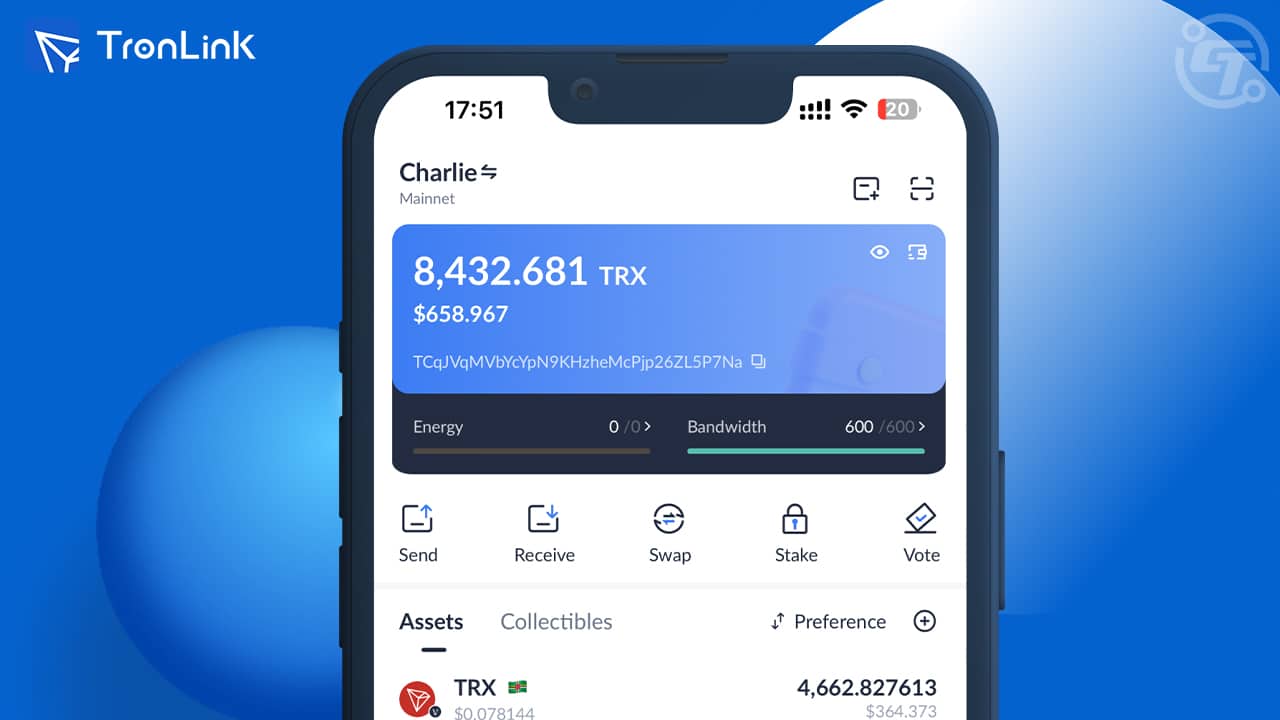
Why Integrating Ledger Nano with Tronlink Matters
Connecting your Ledger Nano device to Tronlink offers one of the safest ways to manage digital assets on the Tron blockchain. Tronlink serves as a powerful gateway to the Tron ecosystem, while Ledger Nano ensures your private keys remain offline and protected. By combining both, users gain convenience, security, and full control over their transactions. Understanding how these two tools work together helps you avoid unnecessary risks and ensures a smooth crypto-management experience.
Understanding the Basics of Ledger Nano and Tronlink
The Ledger Nano is a hardware wallet designed to store private keys offline. It provides advanced security features, such as PIN protection, encrypted storage, and physical confirmation for every transaction. Tronlink, on the other hand, is a widely used browser extension and mobile wallet designed specifically for the Tron blockchain. It enables users to interact with decentralized applications, manage TRX, and connect with TRC-20 tokens. By integrating Ledger Nano with Tronlink, you’re essentially letting Tronlink act as an interface while Ledger stores and signs transactions securely. This creates a seamless workflow where actions are initiated on Tronlink but fully authorized through your Ledger Nano.
Preparing Your Ledger Nano for Tronlink
Before initiating the connection, your Ledger Nano must be properly set up and ready for Tron use. Begin by ensuring that your device firmware is updated to the latest version using Ledger Live. Updated firmware minimizes compatibility issues and optimizes overall security. Next, open Ledger Live and navigate to the App Catalog, where you must install the Tron app on your Ledger Nano. The Tron app is required for the hardware wallet to process transactions from Tronlink. Once installed, disconnect the device from Ledger Live, as it cannot interact with both Ledger Live and Tronlink at the same time.
Setting Up Tronlink on Your Device
If you don’t already have Tronlink installed, download it from the official Chrome Web Store or the official mobile application platform. Avoid unofficial sources to reduce the risk of fake wallet extensions or malware. After installation, create a new Tronlink wallet or log in to an existing one. Tronlink will request that you create a secure password to protect your local wallet access. Because you are connecting Ledger Nano, Tronlink will not store your private keys—those remain on your hardware device. What Tronlink does store is basic wallet metadata and interface preferences, enabling you to interact with the Tron blockchain effortlessly.
How to Connect Ledger Nano to Tronlink
Once your Ledger Nano is prepared and Tronlink is set up, the connection process is straightforward. Start by plugging your Ledger Nano into your computer using the original USB cable. Enter your PIN code and navigate to the Tron app on the device. Open Tronlink from your browser toolbar and navigate to the account section, where you’ll find an option to “Connect Hardware Wallet.” Select Ledger Nano from the list of supported devices. Tronlink will then scan for connected Ledger devices and prompt you to choose an account derived from the Ledger Tron app. Once selected, Tronlink will import your Ledger-controlled account interface without exposing your private keys. You can now view your TRX balance, token portfolios, and interact with decentralized applications. Any action requiring a signature will prompt a confirmation directly on your Ledger Nano.
Sending and Receiving TRX Using Ledger via Tronlink
When sending TRX or tokens, Tronlink will present the transaction details, but the final approval must be made using your Ledger Nano. This ensures that no malicious actor can initiate unauthorized transfers. After reviewing details on Tronlink, check the exact same information on the Ledger screen. Confirm only when all addresses and amounts match. For receiving assets, Tronlink allows you to copy your Ledger-based wallet address and share it safely with senders. Since receiving does not require any signature, you can receive TRX and tokens even when your Ledger is not connected. This workflow makes the combination of Ledger Nano and Tronlink both flexible and secure for everyday use.
Using Tronlink with dApps While Connected to Ledger Nano
One of the strongest advantages of connecting Ledger Nano to Tronlink is the ability to interact with decentralized applications while maintaining hardware-level security. Whether you’re staking TRX, participating in DeFi platforms, trading TRC-20 tokens, or exploring blockchain games, Tronlink acts as a secure intermediary. When interacting with a dApp, Tronlink will create transaction requests, which then funnel through your Ledger Nano for verification. The dApp itself never gains access to your private keys or direct signing authority. This layer of protection is essential because blockchain applications can sometimes have vulnerabilities or malicious elements. Ledger ensures that even if a dApp behaves unexpectedly, unauthorized transactions cannot be executed.
Common Issues and How to Troubleshoot Them
Users may encounter some challenges when connecting Ledger Nano to Tronlink, but most issues are easy to resolve. If Tronlink cannot detect your Ledger device, ensure that Ledger Live is completely closed, as both cannot communicate with the hardware wallet simultaneously. Another common issue is outdated firmware, which can prevent proper connection. Updating both firmware and the Tron app usually resolves compatibility problems. If the USB connection is unstable, try using the original cable or a different port. In some cases, browser permissions may block Tronlink from detecting USB devices, so enabling the “Allow site to access USB devices” setting often fixes detection issues. Ensuring the Tron app is open on the Ledger is also essential; otherwise, Tronlink cannot access your wallet information.
Security Benefits of Ledger and Tronlink Integration
Integrating Ledger Nano with Tronlink drastically improves your blockchain security. Tronlink, being a software interface, handles tasks like dApp interaction and UI management but never stores sensitive keys. Ledger Nano provides offline storage, preventing hackers, malware, and phishing attempts from compromising your account. Even if your computer is infected, Ledger prevents unauthorized transactions because its secure element requires physical confirmation. This dual-layer approach aligns with best practices for digital asset protection and ensures that your Tron-based portfolio remains safeguarded.
Final Thoughts on Connecting Ledger Nano to Tronlink
Connecting Ledger Nano to Tronlink is one of the most reliable ways to manage TRX and Tron-based tokens securely. This combination offers hardware-level protection, convenient dApp access, and seamless transaction management. By following the proper setup steps, ensuring your firmware is up to date, and verifying every transaction on your Ledger device, you can enjoy the full power of the Tron ecosystem without compromising security. This setup benefits beginners, advanced users, and long-term investors who want both efficiency and strong protection over their digital assets.